

A home screen for every user
The coach sees the check-in and the training plan, the treasurer the fees: everyone picks and orders the shortcuts on their own home screen.
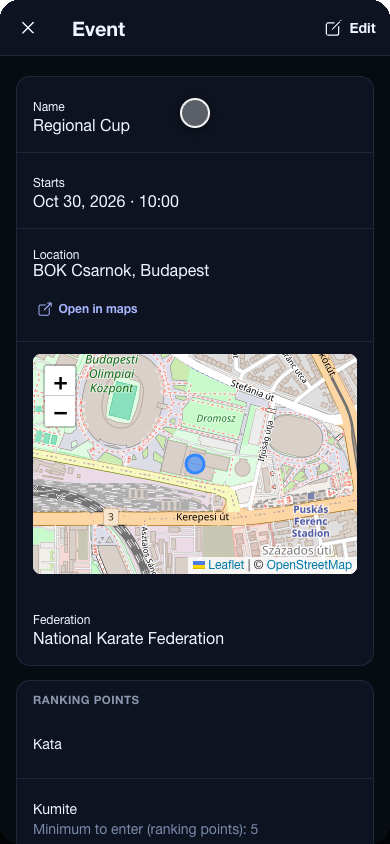
The app in use, recorded.
The dashboard is a grid of tiles, one for every page you open daily, each with a line saying what it is for. Above them sits the next event — or, if nothing is coming up, how many groups, members and clubs you have.
Your own order
Under Settings › Dashboard every user picks which tiles they want and drags them into the order they use them. The coach keeps check-in and the training plan on top, the treasurer the fees and the reports; the person at the desk has one tile. A reset puts the default back.
The same on every screen
On a phone the tiles sit two to a row, on a tablet or a laptop the grid widens — and the menu lists the same pages in the same order, grouped into training and competitions.